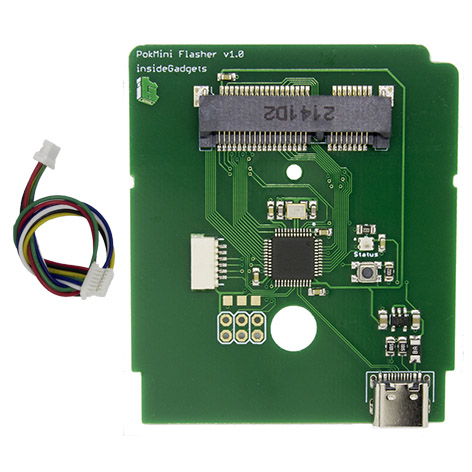
Pokémon mini Development Documentation
PokMini
Designed by insideGadgets, the PokMini is a low cost 2 MiB flash cart.
Since this board can fit in an official PM cartridge, it can use those models, but it doesn’t have the screw notches causing it to be slightly loose or even fall out of one without a bottom shell designed for it, like so.
A label designed by CaptainZ available here

Features
- Capacity: 2 MiB
- Fits in an official case with no modification
- The dedicated PokMini flasher works for both the PokMini and the DITTO mini
Issues / limitations
- No multicart support
- Software cannot write to the cart from within the PM (TODO: confirm for v1.1)
- Must be used in a case, board will not make contact loose
PokMini v1.1
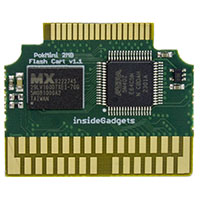
Technical specifications
- Capacity: 2 MiB
- Flashing speeds: ?
- Flash memory: MX29LV160DTXEI-70G
- Bridge chip: ?
PokMini v1.0
Technical specifications
- Capacity: 2 MiB
- Flashing speeds: ?
- Flash memory: MX29LV160DTXEI-70G
- 3x demuxers: SLG46620
Flashing
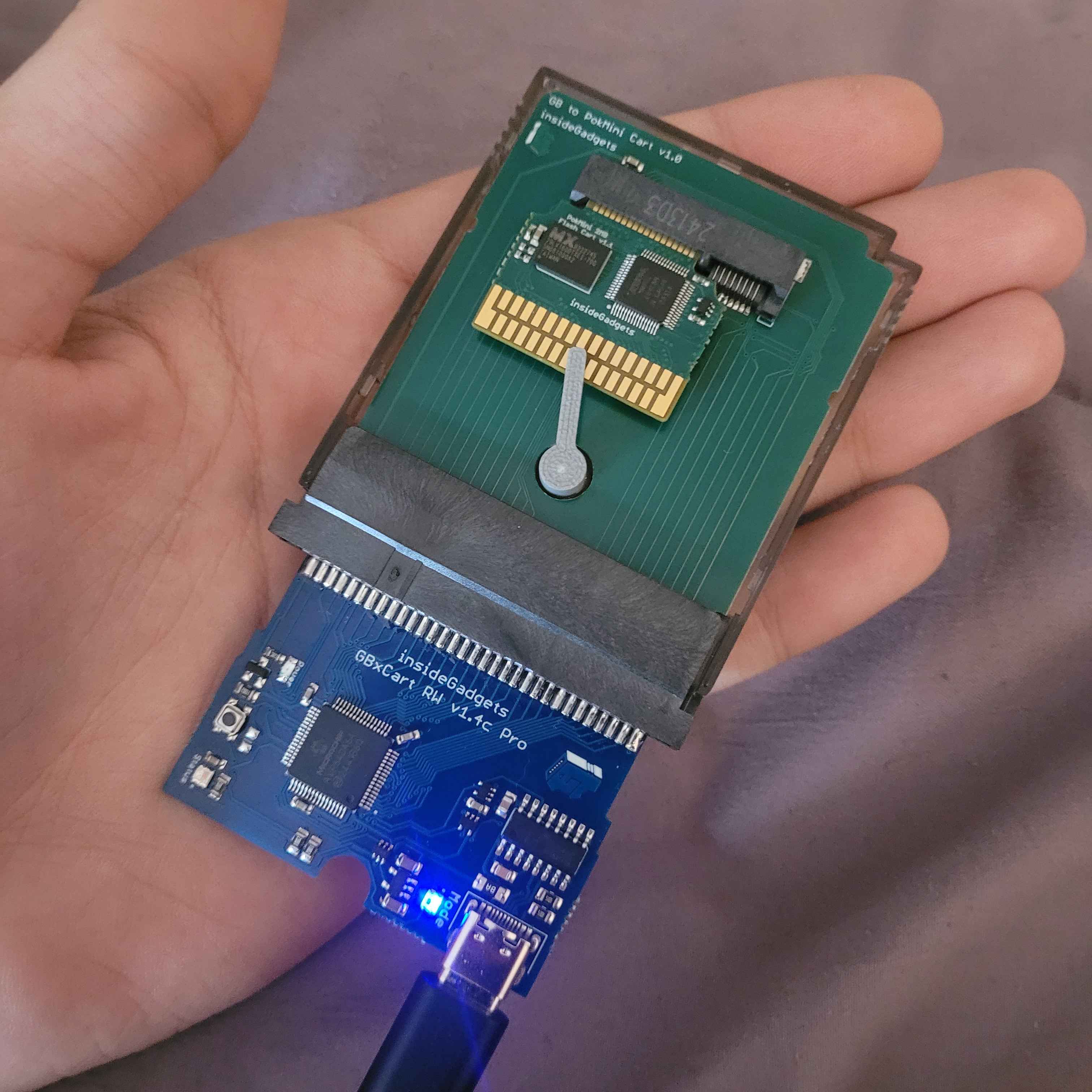
There are two options for flashing, the official GBxCart RW or the dedicated PokMini Flasher.
GBxCart
You will need a GBxCart RW v1.4 or higher and a GBx edge adapter.
There are two tools usable for this, FlashGBX for a GUI or GBx PM Flasher
- Remove your cart from the console (or at least remove the battery)
- Insert the top edge of the cart into the GBx edge adapter with the chips/bottom pins visible
- Rotate the tab over the board to hold it securely
- Plug the GBx edge adapter into your GBxCart RW
- Connect your GBxCart RW with a USB-C cable
With FlashGBX:
- Open FlashGBX, if it didn’t automatically connect click Connect
- ??? does this work for v1.0??
With GBx PM Flasher:
- Drag and drop your ROM onto gbxcart_rw_pokmini_2mb_flasher.exe to flash it
PokMini Flasher
You will need the PokMini 2MB Flasher.
This can only flash ROMs to the cart, it cannot read or erase the cart.
- Remove your cart from the console (or at least remove the battery)
- Insert the top edge of the cart into the PokMini Flasher with the chips/bottom pins visible
- Rotate the tab over the board to hold it securely
- Connect your PokMini Flasher with a USB-C cable
- Drag and drop your ROM onto pokmini_2mb_flasher.exe to flash it